
How to Fix Sage 50 Duplicate Entry Error: Causes and Solutions
Resolve Sage 50 Duplicate Entry Error quickly with proven solutions. Learn causes, fix duplicate records, repair data files, and prevent future accounting entry issues in Sage 50 software.
 thomaslane1324
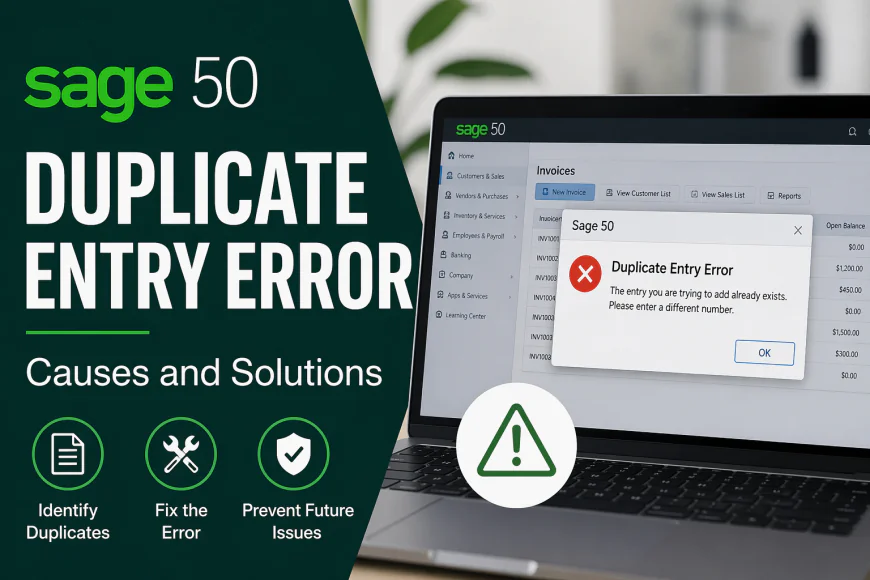
Sage 50 is a widely used accounting software trusted by small and medium-sized businesses for managing finances, invoices, payroll, and inventory. However, like any software, users may occasionally encounter technical issues. One common problem is the Sage 50 Duplicate Entry Error. This error can interrupt workflow, delay transactions, and create confusion in financial records if not resolved quickly.
The Duplicate Entry Error usually appears when Sage 50 detects that a transaction number, invoice number, customer record, vendor ID, or another unique identifier already exists in the system. Since Sage 50 is designed to prevent duplicate records, it blocks the new entry to maintain data accuracy and consistency.
There are several reasons why this error occurs. The most common cause is manually entering an invoice or transaction number that has already been used. For example, if an employee mistakenly enters an invoice number that was previously saved, Sage 50 will reject it. Another reason may be data corruption in company files, where records are duplicated internally due to incomplete updates or system interruptions. In some cases, importing data from spreadsheets or third-party applications can also create duplicate values that trigger the error.
To resolve the Sage 50 Duplicate Entry Error, the first step is to identify the duplicate record. Check the transaction, invoice, or customer ID you are trying to enter and compare it with existing entries in Sage 50. If the number already exists, simply assign a new unique number and save the record again.
If the issue continues, run the Data Verification or Data Integrity Check tool available in Sage 50. This utility scans the company file for damaged or duplicate records and attempts to repair them automatically. Before performing this process, it is always recommended to create a backup of your company data.
Another effective solution is to review import files before uploading them into Sage 50. Remove repeated entries from Excel or CSV files and ensure each record contains a unique reference number. This helps prevent future duplicate entry problems during bulk imports.
Sometimes, outdated software versions may also contribute to recurring errors. Updating Sage 50 to the latest release ensures bug fixes, improved compatibility, and better database performance. Regular updates reduce the chances of technical glitches affecting data entry.
To avoid Duplicate Entry Errors in the future, businesses should establish consistent numbering systems for invoices and transactions. Training employees on proper data entry practices and performing routine file maintenance can significantly reduce errors.
In conclusion, the Sage 50 Duplicate Entry Error is usually caused by repeated identifiers, damaged files, or import mistakes. Fortunately, it can be fixed through careful record review, file repair tools, and software updates. By maintaining organized accounting practices, users can keep Sage 50 running smoothly and protect the accuracy of their financial data.