QR Code Guide Pakistan: How to Create QR Codes for Your Shop or Business (Free)
Learn how to create a QR code free for your shop or business in Pakistan. Generator walkthrough, Raast QR payments, printing tips, and mistakes to avoid.
 MuseBrandly
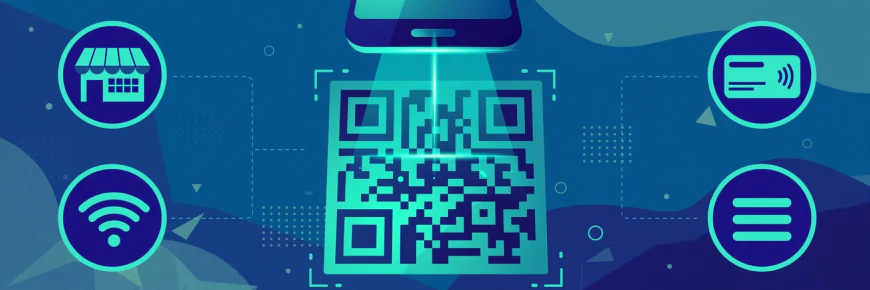
Look around any market in Pakistan and you will spot them: a small black-and-white square taped to a shop counter, printed on a restaurant table, stuck on a parcel. One scan with a phone camera and money moves, a menu opens, or WiFi connects. QR codes quietly became part of daily life here, and making your own takes less than a minute. No designer, no signup, no payment.
This guide shows how to create a QR code free, what to use it for, and how to print it so it actually scans. Whether you run a shop, manage a small restaurant, or just want guests to join your home WiFi without spelling out the password, you will find something useful below.
The short answer: type your link or text into a free QR code generator, hit generate, and download the PNG. Print it at least 2 by 2 centimetres in dark ink on a light background, test it with your own phone, and it is ready to use anywhere.
What a QR Code Actually Does
A QR code is simply a machine-readable shortcut. Where a barcode holds a product number, a QR code can hold a website link, a piece of text, contact details, or WiFi login credentials. Point any modern phone camera at it and the phone offers the next step: open the link, save the contact, or join the network.
No special app is needed. iPhones read QR codes straight from the camera, and so do most Android phones sold in the last several years. For payments, your bank or wallet app (JazzCash, Easypaisa, or any bank app with Raast) has its own scanner built in.
That simplicity is the whole point. A QR code removes typing, spelling mistakes, and friction. A customer who would never type a long web address will happily scan a square.
How to Create a QR Code Free
You do not need software or an account. Brandly's free QR Code Generator runs in your browser and takes about thirty seconds:
- Open the QR Code Generator page.
- Type or paste what the code should contain: a website link, a few lines of text, or WiFi details in the format the tool explains.
- Hit generate. Your code appears instantly.
- Download it as a PNG. Pick Small (240px) for screens, Medium (480px) for everyday printing, or Large (960px) for posters and signage.
That is the entire process. The code itself never expires, and you can use it commercially: on packaging, shop signage, marketing material, wherever you need it. One thing to remember: the code lasts forever, but whatever it points to must stay online. A QR code linking to a deleted Facebook page is a dead end, so link to addresses you control and intend to keep.
If you need more than QR codes, the same site hosts a full collection of free online tools, from image compressors to business calculators, all without signup.
QR Codes for Small Business in Pakistan
This is where QR codes earn their keep. Here is how Pakistani businesses are actually using them.
Taking payments with Raast QR. Raast is the State Bank's national instant payment system, and its person-to-merchant QR feature lets any shop accept digital payments without a card machine. You display a static QR code at your counter; the customer opens their bank or wallet app, scans it, enters the amount, and the money lands in your account instantly. Larger setups use dynamic codes that pre-fill the exact bill amount, so the customer just scans and confirms. JazzCash alone has brought over a million merchants onto Raast QR, and the government has been subsidising merchant QR transactions to push adoption further. If you run any kind of counter, this is the single highest-value QR code you can print.
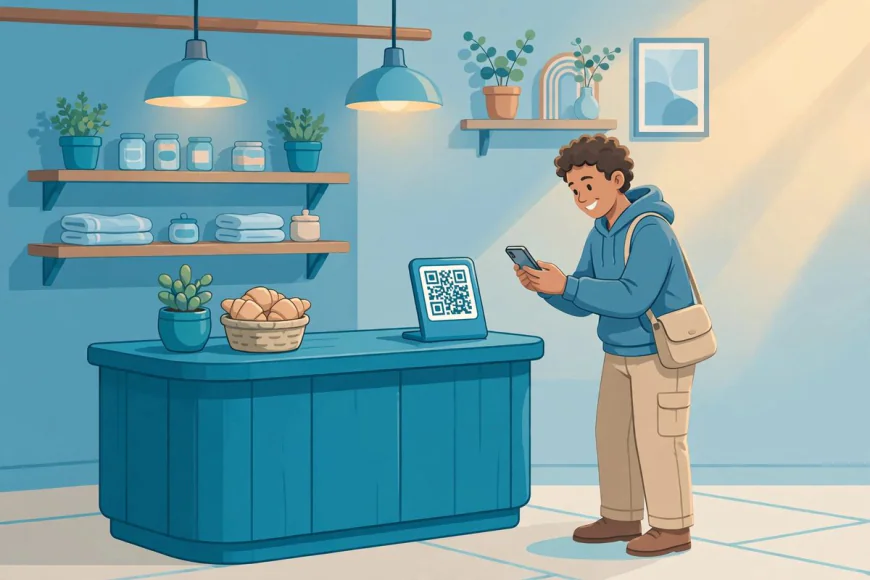
Restaurant and cafe menus. Print a QR code on each table linking to your digital menu. Customers browse on their own phones, you stop reprinting paper menus every time prices change, and the tables stay cleaner. Update the menu page and every table updates with it.
Business cards that do something. A card with your name and number gets filed away. A card with a QR code linking to your WhatsApp, your shop location on the map, or your Instagram gets scanned on the spot. One scan beats ten seconds of typing a number.
Product packaging. A QR code on your packaging can link to usage instructions, a how-to video, your return policy, or product registration. For small brands selling online, it is the cheapest way to look professional and reduce "how do I use this" messages.
Posters and banners. A QR code on a poster turns a passerby into a visitor: link it to your shop location, a discount voucher, or your online store. Print it large (the Large 960px download) since people will scan from a few feet away.
Everyday Personal Uses
QR codes are not just for business.
Sharing home WiFi. This is the favourite. Instead of spelling out a long password for every guest, generate a QR code with your WiFi name and password. Guests scan it and join instantly. Stick it inside a kitchen cabinet or on the fridge.
Wedding and event invites. A QR code on a shaadi card or event invite linking to the venue location on Google Maps saves every guest from calling to ask for directions. Link it to an RSVP form and you also stop counting replies manually.
Sharing your contact or socials. Meeting someone at a university event or a market? A QR code with your contact card or social profile link is faster and less error-prone than dictating a number over noise.
Printing and Display Tips
A QR code that does not scan is just decoration. These rules come from experience and from the tool's own guidance:
Size matters. Print at least 2 by 2 centimetres for anything scanned at arm's length (counters, cards, tables). For posters, banners, or anything scanned from a distance, go bigger. When in doubt, print larger.
Contrast is everything. Dark code on a light background scans best. Fancy inverted colours or codes placed over busy photos fail often. Keep it simple: black on white.
Test before you print a hundred. Scan the printed code with your own phone before committing to a full print run. Check it in the lighting where it will actually live: a code that scans in daylight might struggle under a dim shop bulb.
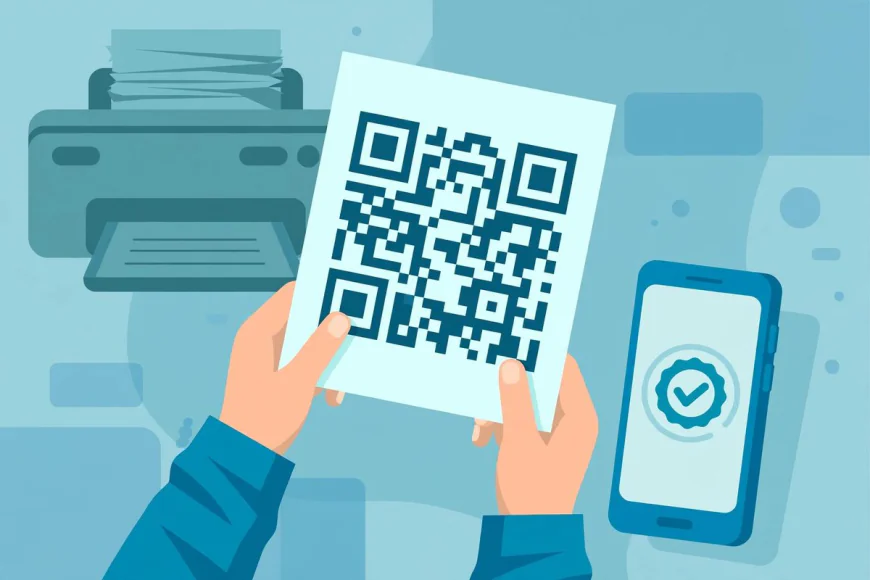
Protect counter codes. A QR code taped to a counter should be laminated or placed under clear plastic. Spills, dust, and fading kill scannability over time.
Keep the destination alive. Before printing codes on anything permanent like signage or packaging, make sure the linked page is one you will maintain for years. Short links you control are safer than long platform URLs that might change.
Mistakes to Avoid
Printing too small. The most common failure. A beautiful tiny QR code on a business card that no phone can read is worse than no QR code at all.
Linking to temporary pages. That promotional page you will delete next month should not be baked into printed packaging. Link to stable pages.
Skipping the test scan. Always scan the final printed version, not just the file on your screen. Printers, paper texture, and lighting all affect the result.
Ignoring QR tampering on payment codes. This one matters for shops: fraudsters occasionally stick their own QR code over a merchant's payment code, diverting customer payments to themselves. Check your counter QR codes regularly, mount them where tampering is visible, and confirm the merchant name shown in the payment app before customers pay. If a code looks newly pasted over, replace it.
Using one code for everything. A payment QR, a menu QR, and a WiFi QR do different jobs. Generate separate codes, label them clearly, and place each where it is needed.
Frequently Asked Questions
How do I create a QR code for free?
Type your link or text into a free generator like Brandly's QR Code Generator, hit generate, and download the PNG. No account or payment needed.
Do QR codes expire?
The code itself lasts forever. What can break is the destination: if the linked page is deleted or moved, the code leads nowhere. Keep your links alive.
How big should I print a QR code?
Minimum 2 by 2 centimetres for close scanning (counters, cards). Larger for posters or anything scanned from a distance.
Can I use a QR code for taking payments in Pakistan?
Yes. Raast QR lets customers pay you straight from their bank or wallet app by scanning your code. Your bank or JazzCash/Easypaisa can set up merchant QR for your account.
How do I make a QR code for my WiFi?
Enter your WiFi name and password into the generator in the WiFi format it provides, download the code, and print it. Guests scan it to join without typing anything.
Is it safe to scan random QR codes?
Be a little careful. QR codes can link anywhere, including phishing pages. Only scan codes from sources you trust, and check the preview URL your phone shows before opening it.
The Bottom Line
QR codes are one of those rare technologies that are both powerful and genuinely free. A shopkeeper can accept digital payments, a restaurant can serve menus without paper, and a host can share WiFi without spelling a password, all from a square that costs nothing to make.
Start with one code for the thing you repeat most: your shop's payment QR, your home WiFi, or your business card link. Open Brandly's free QR Code Generator, make it in under a minute, print it properly, and test it with your own phone. The next hundred scans will take care of themselves.